Viewing Actions in the Mobile Interface
Accessing the Actions workspace from a mobile device will bring up the following streamlined interface.
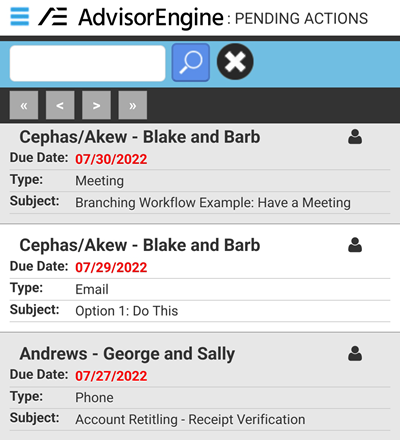
At the top, you may use the search bar to perform a Basic Search to narrow the list of displayed Actions.
Tap an action to bring up the details for the Action.
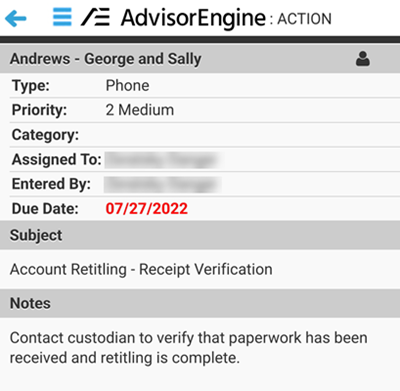
Tap the person icon in the upper right of an Action (from either list or detail view) to bring up the detail view of the Record associated with that Action. New Actions in Mobile may only be created from the Record Detail view.
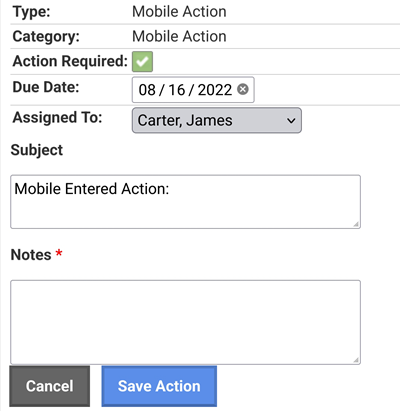
Adding an Action in Mobile view brings up the following screen to add a Mobile Action. The type and category are pre-set as Mobile Action and cannot be changed here (they may be edited later on from the full Desktop view). Enter a Subject and Notes and check if Action is required before saving.
Use the dictation feature of your phone to speak out your notes for even quicker on-the-go functionality.